


Adobe brings 70 tools into Slack for workplace use
Thu, 3rd Sep 2026
Adobe has launched Adobe for Slack, allowing users to access more than 70 tools from its creative and productivity software suites directly within Slack.
The integration connects Slack with Adobe products including Firefly, Adobe Express, Photoshop, Premiere, Acrobat, InDesign, Illustrator, Stock and Lightroom. Users can create, edit and transform images, videos, designs and PDFs without switching between applications.
Adobe for Slack is available to Slack Business+ and Enterprise+ teams across desktop, web and mobile.
Users can interact with the Adobe app through Slackbot, Slack's built-in AI assistant. Slackbot can use information already available in Slack, including conversations, files, channels and Canvases, to provide context for creative and document tasks.
Users can also upload content directly into Slack or ask Slackbot to retrieve files from their Creative Cloud accounts.
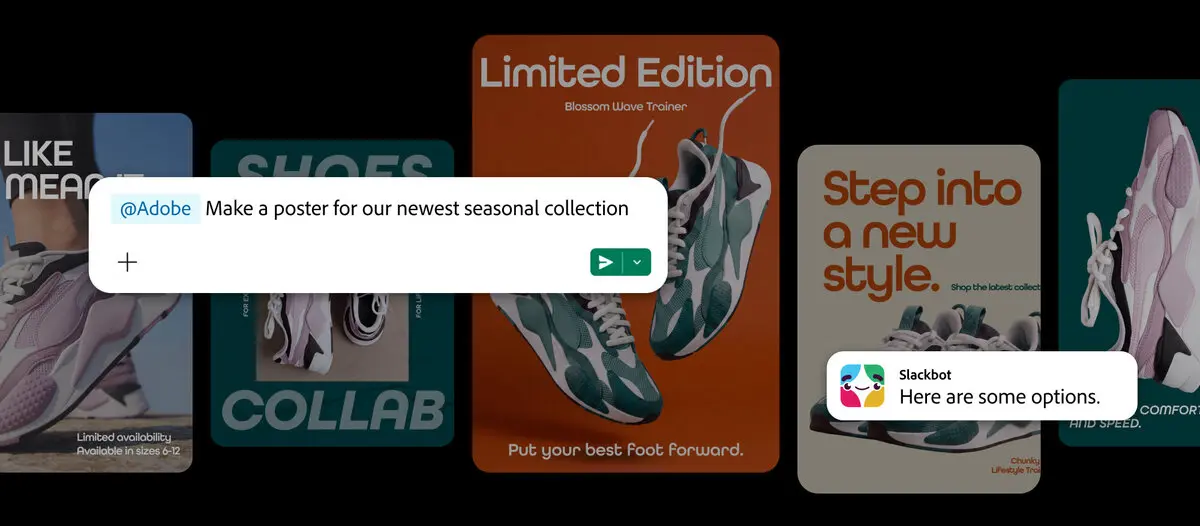
The integration is designed to connect workplace discussions with content production.
Teams can ask Slackbot to find and summarise information from conversations or Canvases before using Adobe tools to turn that material into PDFs, images or videos.
The app can also search Creative Cloud assets using terms such as subject, style or mood. Selected assets can then be brought into the Slack workflow for further editing or sharing.
Marketing and social media teams can use approved images and videos to create variations for different social platforms. The app also supports design work using Adobe templates, allowing users to select a template, customise its copy and colours, and create animated or print-ready content.
Spreadsheet data can also be converted into a PDF or visual for distribution to colleagues or clients.
Image editing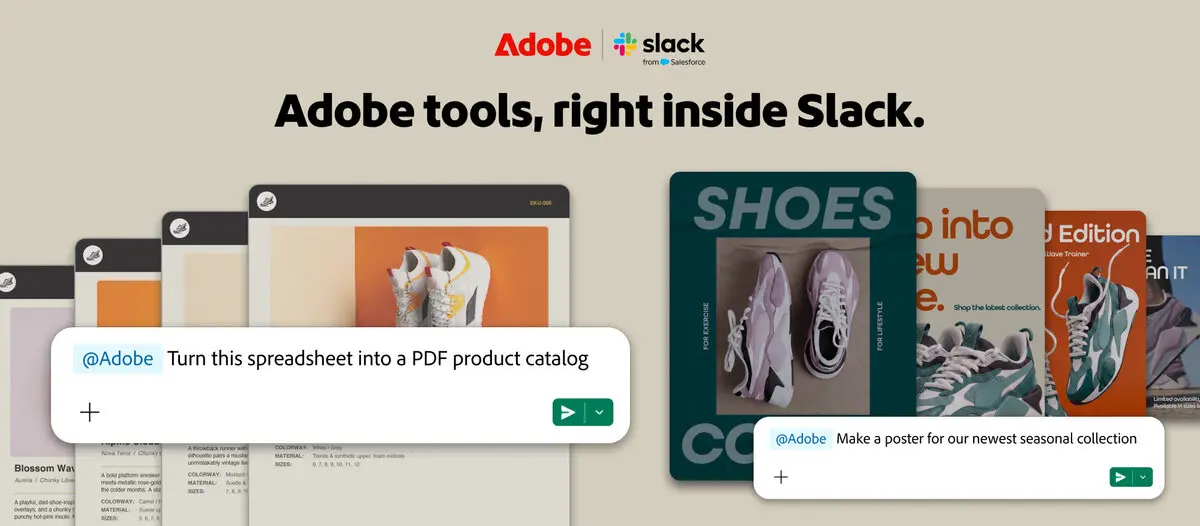
Adobe for Slack also supports bulk image editing.
Users can refine groups of images such as team headshots, event photographs and product imagery. Available tasks include removing backgrounds and distractions, adjusting lighting and tone, and cropping or resizing multiple images.
The workflow is designed to keep edits within the same conversation where colleagues are already discussing the work.
Users can ask Slackbot to make further changes, create variations or refine existing content. Outputs can then be shared in team channels for review and collaboration.
For tasks requiring more detailed control, users can continue working in Adobe applications such as Photoshop, Premiere, Acrobat, Adobe Express and Firefly.
AI platformsThe Slack integration forms part of Adobe's wider effort to make its creative and document tools available through AI-powered interfaces.
Adobe has also introduced Adobe for ChatGPT and has integrations involving Claude and Copilot, with support for Google Gemini planned.
The approach places Adobe's software within platforms where users increasingly access information and complete workplace tasks through conversational interfaces.
For Slack, the integration adds creative production and document workflows to its existing collaboration and AI capabilities. Slackbot can act as the interface between workplace context and Adobe's tools, allowing users to make requests using natural language.
AvailabilityAdobe for Slack can be used without an Adobe account. Users who sign in or create a free Adobe account can access additional tools and generative AI capabilities, along with Creative Cloud files and continuity across sessions.
The integration is available globally to Slack Business+ and Enterprise+ customers.
"Slack is where work happens, and where AI is turning conversation into action. Bringing Adobe's industry-leading creative and productivity tools directly into that flow means teams don't have to leave their conversations to create. Adobe for Slack lets people turn the context and ideas already in their conversations into incredible content, then refine and build on it together, without breaking their stride. The Adobe app is a powerful example of how MCP apps in Slack can help teams turn conversation into action," said Jaime DeLanghe, Chief Product Officer, Slack.